Table of Contents
WooCommerce Variation Limit: Handle 10,000+ Variations
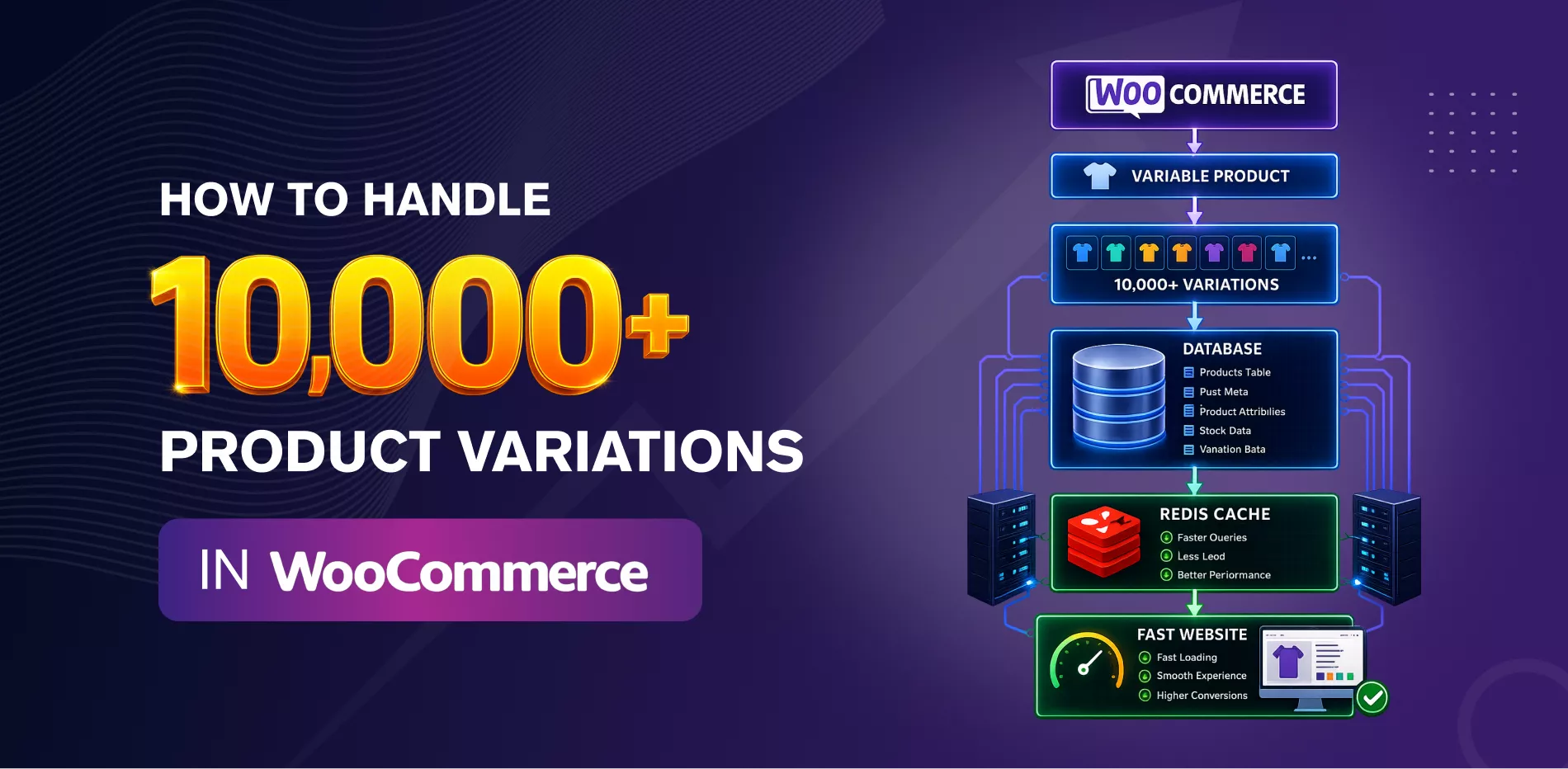
At 10,000+ variations, the problem isn’t WooCommerce’s product limit — it’s database load. Each variation is stored as its own row across multiple tables, so 10,000 variations can generate hundreds of thousands of database entries. The fix is a combination of hosting sized for database-heavy queries, object caching, disciplined attribute structure, and — past a certain point — restructuring some variable products into simple products instead of adding more variations.
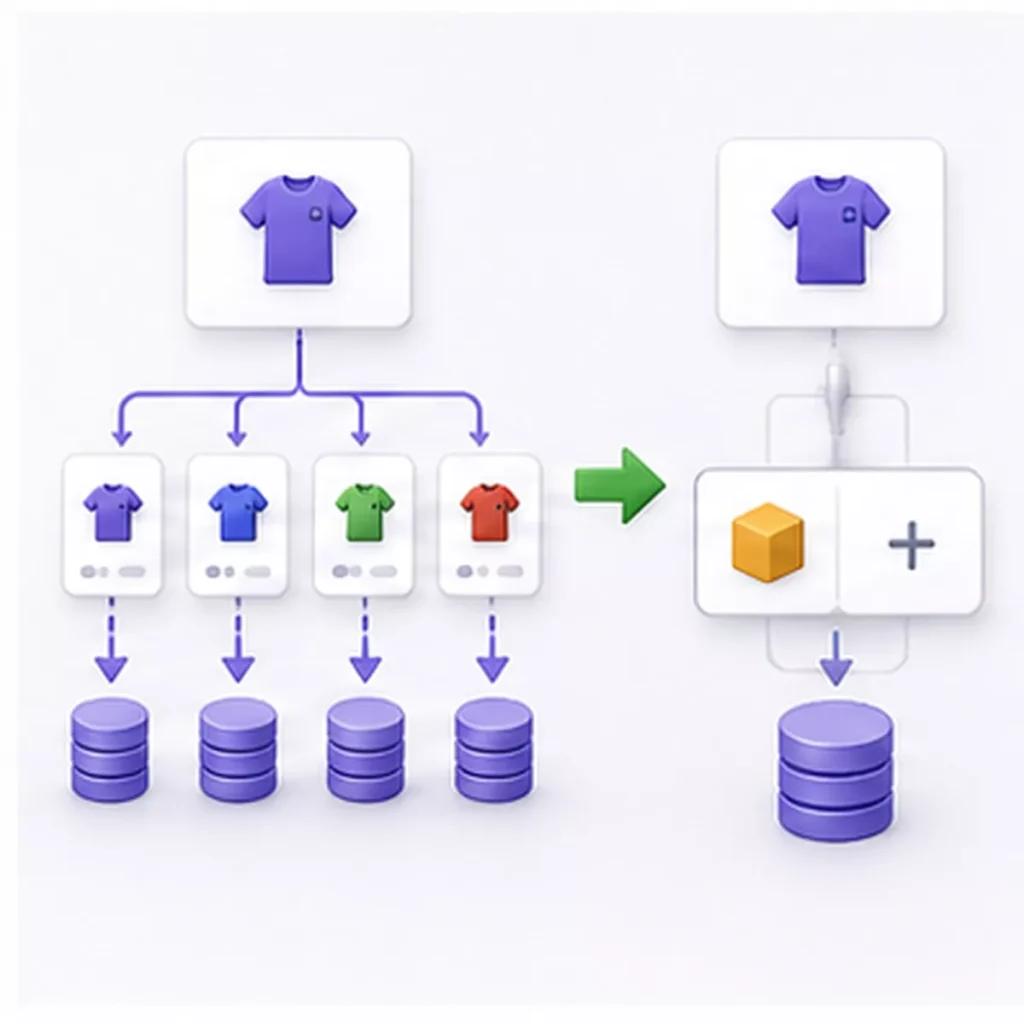
1. Why variations are heavier than products
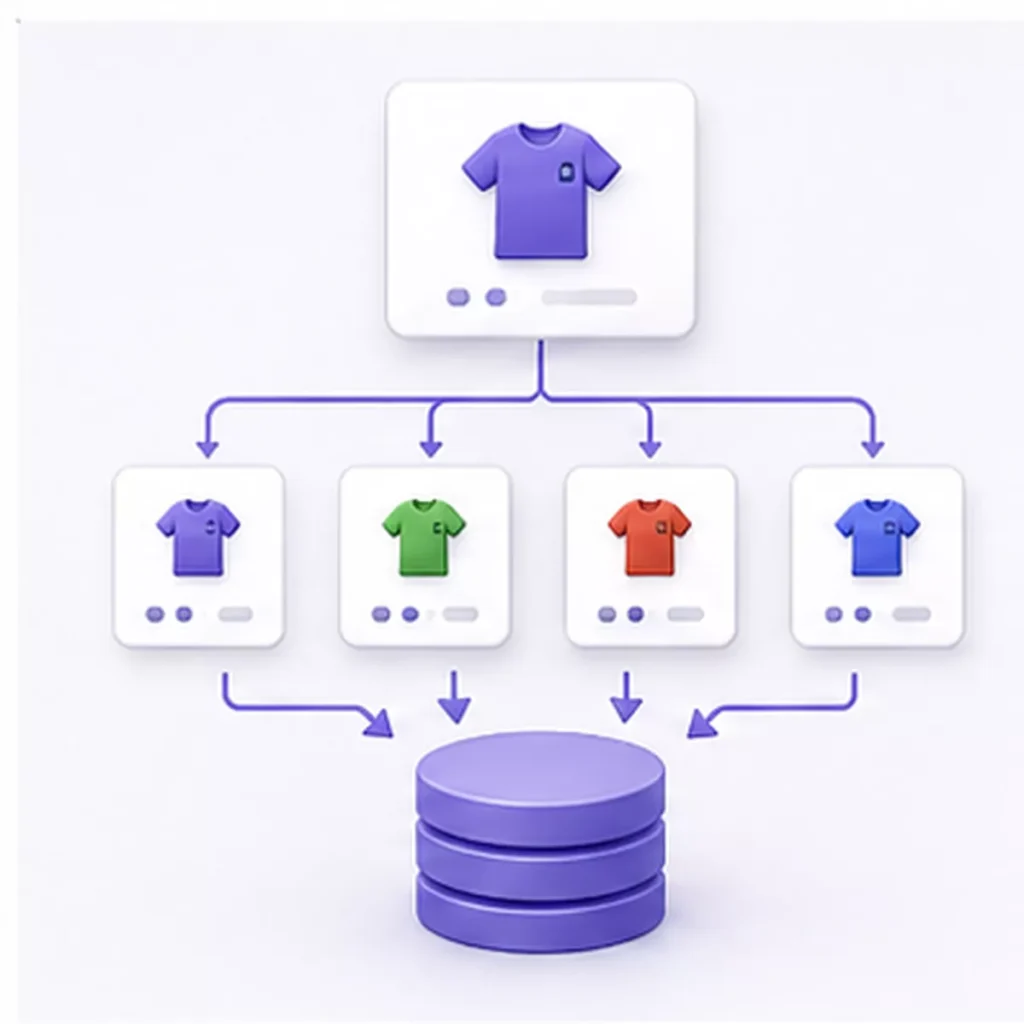
A single variable product with 20 variations isn’t “one product” to the database — it’s closer to 20. Each variation gets its own row in the products table plus its own metadata entries for price, stock, SKU, and attributes. Multiply that across a catalogue with thousands of variable products, and the effective size of your store is many times larger than the product count suggests. This is the root cause of most performance problems at this scale, not a hard ceiling WooCommerce enforces.
There’s also a second cost that’s easy to miss: WooCommerce loads all of a product’s variation data into a JavaScript object on the product page, so the variation switcher works instantly for the shopper. A product with dozens of variations across several attributes can push that payload to several hundred kilobytes — on every single product-page view.
2. Hosting and server requirements at this scale
Shared hosting will not hold up once you’re managing 10,000+ variations. WooCommerce is database-intensive by nature, and cart and checkout pages can never be fully cached, so every one of those requests has to be served fast by the server itself, not by a caching layer.
At this scale you want:
- VPS, dedicated, or cloud hosting (AWS, DigitalOcean, or a managed WooCommerce host)
- 4–8 CPU cores and 8–16 GB RAM as a starting point
- PHP 8.3, which is meaningfully faster than older versions for the same hardware
- A host that supports Redis or Memcached natively — this matters more than raw CPU for a variation-heavy store

3. Database indexing and cleanup
Left unmaintained, a WooCommerce database accumulates order meta, revisions, expired transients, and orphaned variations (ones no longer attached to a live parent product) for years. On a mature store this can mean millions of stale rows slowing down every query, independent of your actual current catalogue size.
Run monthly cleanup covering:
- Orphaned variations and product revisions
- Expired transients and spam comments
- The wp_woocommerce_sessions table, which grows continuously on active stores
- Table indexing reviewed specifically against your slowest queries, not just default WordPress indexes

4. Object caching with Redis or Memcached
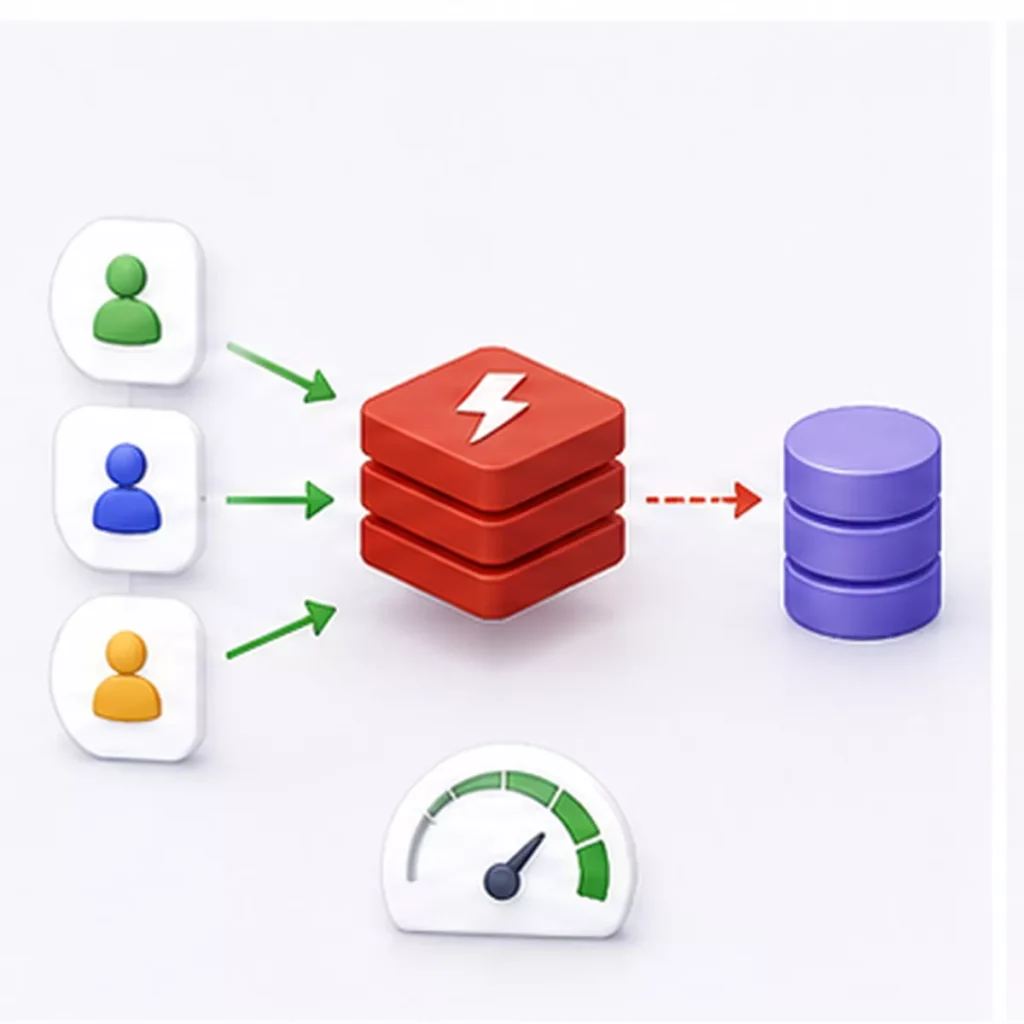
This is the single highest-leverage fix for a variation-heavy catalogue. Object caching stores the results of expensive, repeated database queries in memory, so the next shopper who loads a similar product page isn’t triggering the same set of variation lookups from scratch. On stores with heavy variation queries, this alone can cut database query time by 60–70%.
5. Fixing the product-page variation payload
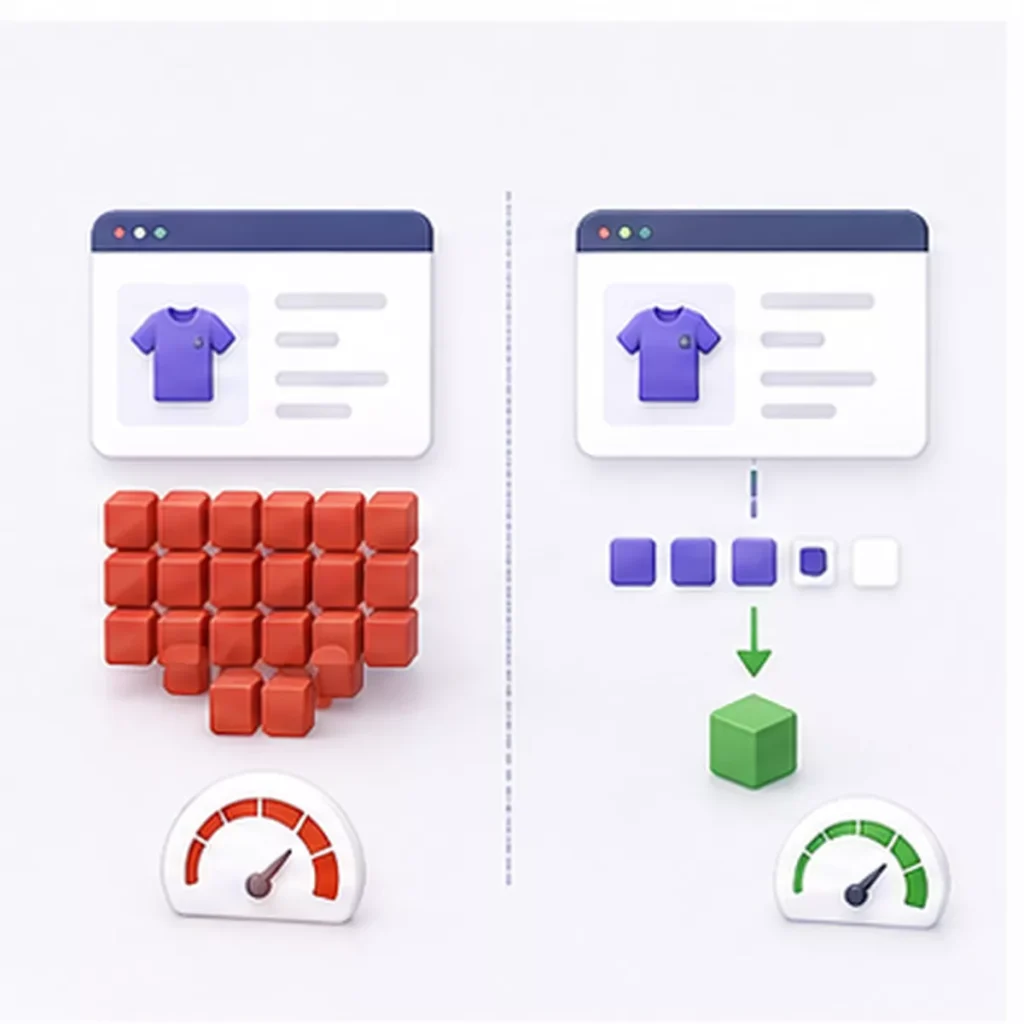
If individual products carry a large number of variations across multiple attributes, the default behaviour — loading every variation’s data upfront for the JavaScript switcher — becomes the bottleneck, not the database. Options include:
- Ajax-loading variation data only as the shopper selects attributes, instead of upfront
- Capping the practical number of variations per product and using product add-ons for minor options instead of full variations
- Custom endpoints that limit how much variation data is sent per request
6. When to restructure instead of adding more variations
Not every option needs to be a WooCommerce variation. If a product is accumulating variations mainly to represent minor cosmetic differences, it’s often faster — for both the database and the shopper — to split it into separate simple products, or move optional extras into an add-ons plugin rather than the variation matrix. This is a deliberate architectural decision, not a workaround: at very large scale, some of the most stable stores are the ones that keep variation counts per product intentionally low and use global attributes consistently instead of letting the count grow unchecked.
7. Search: why native WooCommerce search breaks down
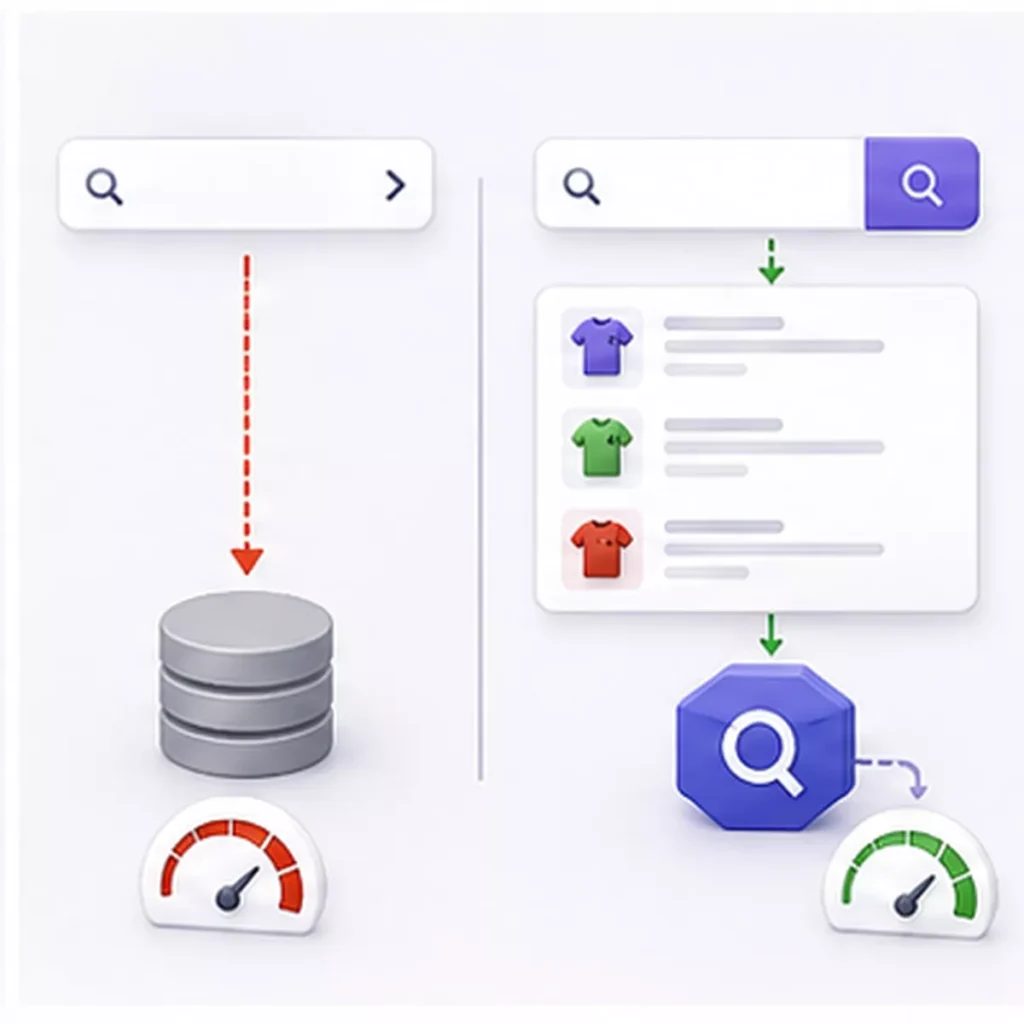
Above roughly 5,000 products, WordPress’s default search query approach becomes noticeably slow, and shoppers feel it directly on the storefront. At 10,000+ variations, native search is generally not viable as the primary discovery tool. Offloading search to a dedicated service such as Algolia or Elasticsearch is the standard fix, and it also opens up faceted filtering (by attribute, price range, or stock status) without adding more load to the main database.
8. A practical checklist
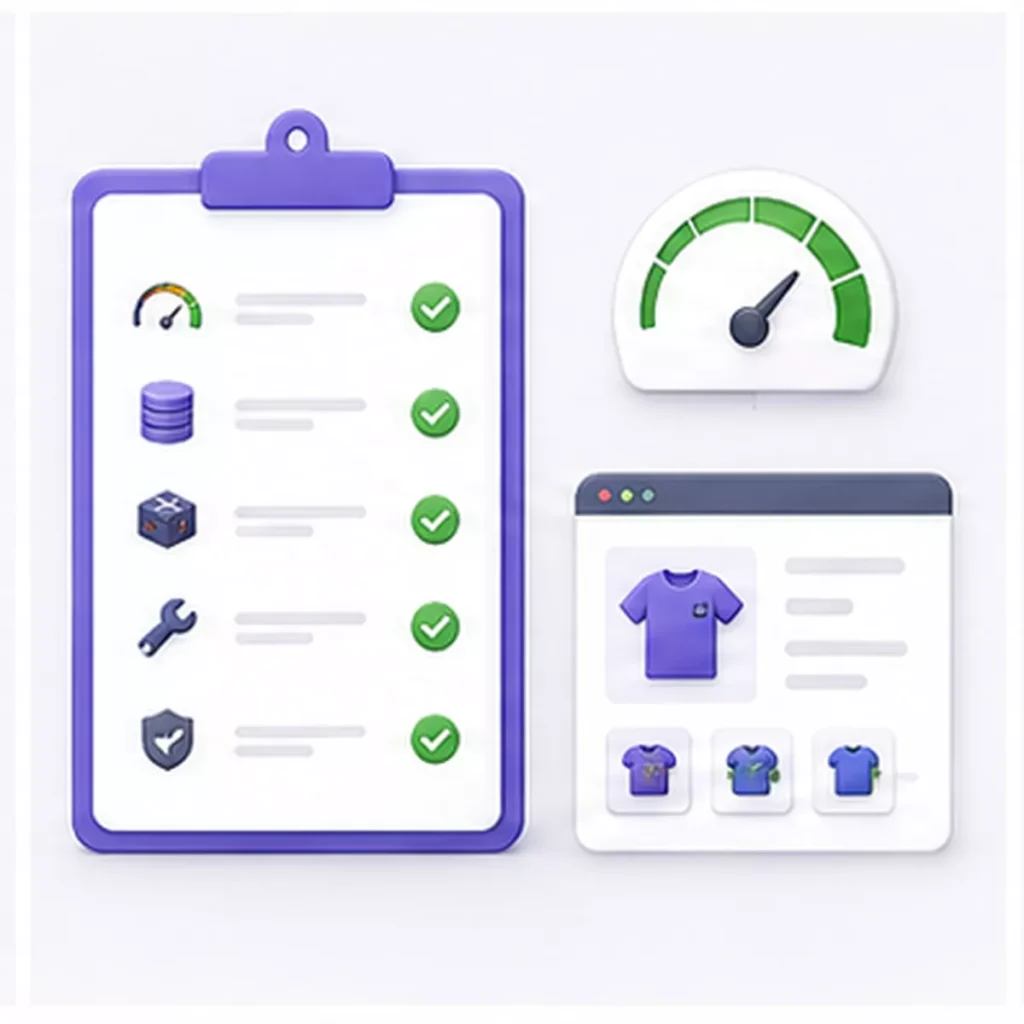
- Move to VPS/cloud hosting with Redis or Memcached available
- Enable object caching
- Schedule monthly database cleanup (orphaned variations, revisions, transients)
- Audit and add database indexes for your slowest queries
- Switch high-variation products to Ajax-loaded variation data
- Review whether any products should be restructured into simple products
- Offload search and filtering to Algolia or Elasticsearch
- Compress and resize product images (max 1200×1200px before upload)
- Disable WooCommerce scripts and styles on non-shop pages
9. FAQ
Is there a hard limit on how many variations WooCommerce supports?
No hard limit in the code, but the admin editing screen becomes unreliable well before the storefront does — timeouts when bulk-editing large variation sets are common and usually the first symptom store owners notice.
Will a caching plugin alone fix a slow variation-heavy store?
Page caching helps static pages, but cart, checkout, and variation-switcher interactions can’t be fully cached — object caching and database work are what actually move the needle for variation-heavy stores.
Should I use variations or a product add-ons plugin?
Use variations for options that genuinely change SKU, stock, or price (size, color). Use an add-ons plugin for options that don’t need their own inventory tracking (gift wrap, engraving text) — this keeps the variation count, and therefore the database load, down.

10. Struggling with a Large or Slow WooCommerce Catalogue?
If your store is approaching 10,000+ variations and you’re already seeing slow admin screens, timeouts during bulk edits, or a storefront that lags on product pages, it usually isn’t one problem — it’s hosting, database maintenance, and variation structure all compounding at once.

Deep Technologies helps growing WooCommerce stores get back to full speed by
- Auditing your current hosting stack and database health, and identifying exactly where the bottleneck is (server vs. plugin vs. theme vs. variation structure)
- Setting up Redis or Memcached object caching correctly for a variation-heavy catalog
- Cleaning and indexing your database, and putting a maintenance schedule in place so the problem doesn’t come back in six months
- Restructuring high-variation products where it makes sense, without disrupting live orders, SEO rankings, or customer accounts
- Migrating search and filtering to Algolia or Elasticsearch for catalogs where native WooCommerce search has become the bottleneck
We’ve handled this exact scaling problem for manufacturing, export, and B2B catalogs with large, complex product ranges — the kind of stores where variation count grows fast and can’t just be “reduced” without a real plan.
Get a free WooCommerce performance review. Send us a link to your store and we’ll tell you, in plain terms, what’s actually slowing it down and what it would take to fix.
Support for eMail
supportmail@deepit.com
+91 99 789 369 78
Support for Web
supportweb@deepit.com
+91 99 789 369 56